

Dial Phone Number
The Dial Phone Number action allows you to trigger a phone call when an item is tapped. The Dial Phone Number action can be triggered from any device with phone capabilities.
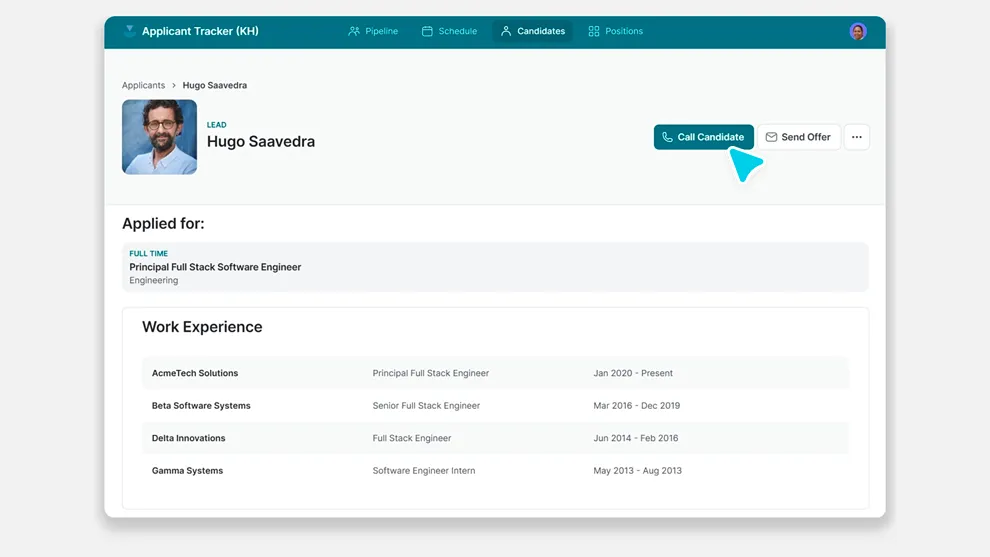
The Dial Phone Number action can be used as an action in the components of your app (like Buttons, Collections, and much more), or it can be triggered along with other actions as part of a Workflow.
Setting up Dial Phone Number
Layout Editor
Workflow Editor
In the General tab on the right side of the Layout Editor, navigate to the Actions section and select Dial Phone Number.
If you select the contact component, Glide will automatically display options to dial a phone number, compose SMS, and compose email. To delete any of these options that you don’t need, click on the action and then click on the delete icon.
Check the Introduction to Actions page for a full list of components that can be used to trigger actions.
Frequently Asked Questions
Can I use the Dial Phone Number action from a desktop computer?
Although the Dial Phone Number action is designed to trigger a phone call on a mobile device, you may be able to trigger a program on your desktop computer if it is configured to make phone calls. For example, a VOIP soft phone program that can make calls from your computer may be triggered from the Dial Phone Number action.
If you’d like to be sure that all users can dial the phone number in your action, you can display the phone number as text and instruct users to manually dial the number on their phone.
Can I send SMS messages to the phone number instead of dialing it?
To send SMS messages, use the Compose Text Message action.
Can I make long distance calls? Are there any charges?
Yes, you can make long distance calls using the Dial Phone Number action in Glide. However, please note that charges may apply for long distance calls depending on your phone service provider. It is recommended to check with your provider for any applicable charges before making long distance calls through Glide.